
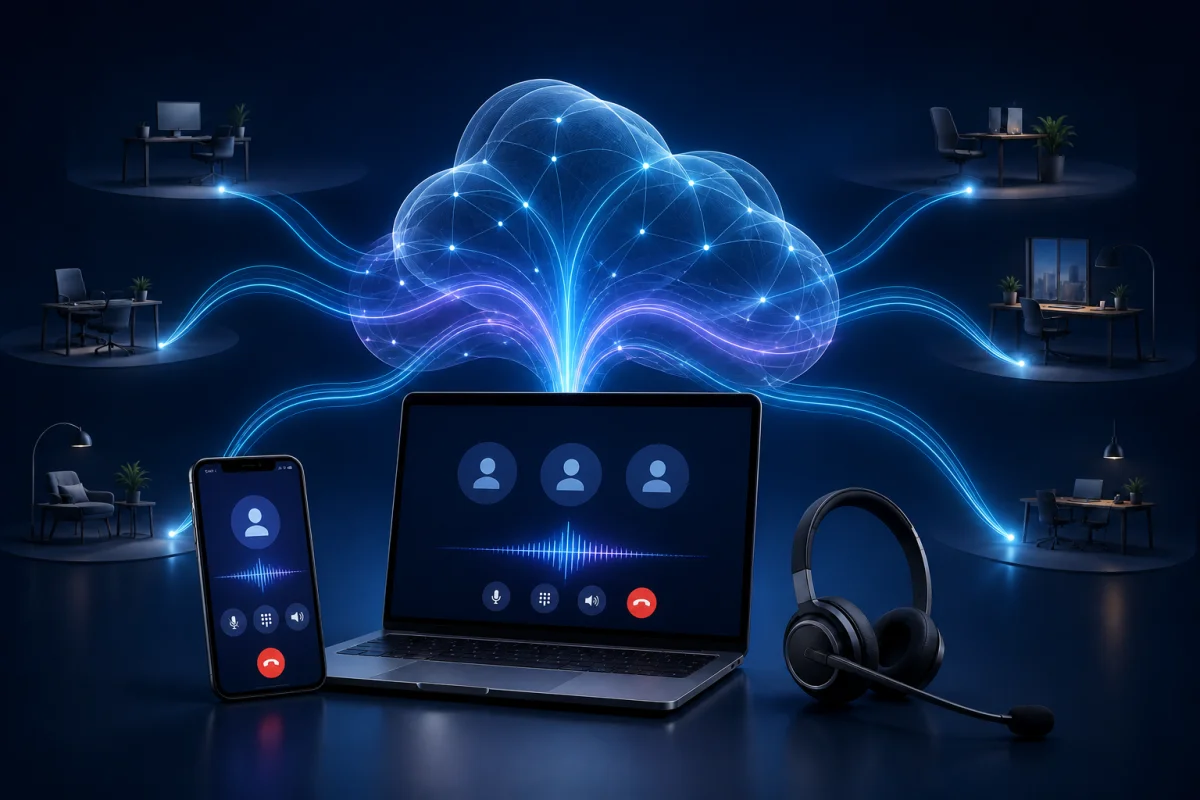
Cloud telephony is a business telephony system hosted and administered over the Internet. Instead of installing a physical switchboard in the office, a company uses a platform that remotely manages phone numbers, calls, users and communication rules.
Employees can make and receive business calls from a computer, smartphone or IP phone. The customer experience remains familiar: they dial a number. Behind that number, the business gains a system that is easier to configure, scale and connect to other tools.
Not every cloud service offers the same value, however. Some only move the phone system to the Internet. Modern platforms also turn conversations into history, actions and useful data for the team.
A simple cloud telephony definition
Cloud telephony, also known as hosted telephony or a hosted phone system, is a service in which the provider runs the telephone infrastructure remotely. The business accesses it through an application and an Internet connection, usually through a subscription.
A cloud telephony solution can combine:
- business phone numbers;
- inbound and outbound calling;
- messaging and voicemail;
- a virtual business phone system;
- call-routing and transfer rules;
- user and permission management;
- call history, recording and analysis;
- integrations with a CRM and other applications.
It can therefore replace not only the phone line, but also much of the hardware and administration associated with a traditional PBX.
What is the difference between VoIP and cloud telephony?
VoIP and cloud telephony are related, but they are not synonyms.
Business VoIP is the technology that converts voice into data and transports it over an IP network. It can be used by a phone system installed on the company's premises.
Cloud telephony is the complete remotely operated service. It generally uses VoIP, while adding hosting, a virtual PBX, applications, configuration, updates and business features.
A simple analogy helps: Internet protocols make a website work, but they are not the website itself. In the same way, VoIP carries the conversation; the cloud solution orchestrates the whole phone experience.
If you are weighing architectures, our VoIP vs landline comparison covers cost, call quality, mobility and scalability.
How does a cloud telephony solution work?
The path of a call can be summarized in five steps.
1. The user starts or receives the call
An employee uses the cloud business phone application on a mobile device, in a browser, through desktop software or on an IP phone. Their business number is displayed even when they are away from the office.
2. Voice becomes data
The application converts sound into data packets. Those packets travel through the user's network and the Internet, with mechanisms designed to preserve their order and keep the conversation fluid.
3. The platform applies company rules
The cloud PBX identifies the user, number and configured rules, such as business hours, forwarding, a queue, a ring group, voicemail or a permission. The administrator can change those rules without touching each phone.
4. The call reaches the public telephone network
The provider connects the cloud platform to the public telephone network so employees can reach ordinary mobile and fixed numbers. The person receiving the call does not need the same application.
5. Useful data is attached to the conversation
Depending on the platform, the call can be matched to a contact, recorded, transcribed, summarized or sent to the CRM. This is where modern telephony separates itself from a basic line.
With Bloom AI, professional calls and messages become the source of personalized coaching and follow-up actions, without requiring the rep to reconstruct the conversation manually.
The business benefits of cloud telephony
Faster deployment
The provider hosts the core of the system. The company does not need to purchase and maintain a physical PBX for each office. Once numbers and users are configured, employees install the application and can begin calling.
Existing-number porting, emergency rules and testing still require planning. Technical simplicity shortens the project; it does not remove the need for a controlled cutover.
Genuine professional mobility
One business number follows the user across approved devices. A salesperson can answer from home, call back from a mobile device and review account history before a meeting without sharing a personal number.
That continuity supports hybrid teams, field representatives, real estate professionals and multisite organizations. It prevents customer context from fragmenting across personal phones, notes and the CRM.
Centralized administration
IT or another administrator manages licences, numbers, access and rules in one interface. Adding an employee does not always require new wiring or an onsite appointment. Removing access when someone leaves is also faster and easier to verify.
Capacity that follows growth
A business can add users, numbers or teams as needs change. This flexibility is particularly useful for growing SMBs and organizations with seasonal demand.
The platform still needs to support the countries, area codes and scenarios the business actually uses. Scalability lives in the details: local numbers, porting, permissions, volume, support and data export.
More predictable costs
The subscription often combines platform access, administration and updates. It reduces upfront investment and some onsite service work. Companies should still compare what is included, such as calling, SMS, recording, transcription, integrations, support and advanced features.
The better measure is total cost per productive user, not the licence price alone.
Integrations that remove duplicate data entry
A phone system connected to the CRM can identify the contact, preserve context, create a summary and open the next task. Automatic CRM updates after every call reduce omissions and make the pipeline more reliable.
For a sales team, that benefit is more strategic than calling from a computer. It keeps the conversation and execution inside one workflow.
Better visibility for managers
Basic reports show call volume and duration. A more advanced platform can also reveal conversation quality, objections, next steps and skill progression.
Bloom AI's performance cockpits help leaders see where coaching is needed without listening to every call or asking the team for additional reports.
What cloud telephony changes for each role
For employees
They use a business number across the devices suited to their work, find conversations in one place and spend less time searching for context or re-entering notes.
For sales leaders
They gain a fuller view of what is happening in the field. With conversation-based AI coaching, they can focus their time on the calls and skills that truly need intervention.
For IT teams
They centralize configuration and reduce dependence on local equipment. Their work shifts toward governance, security, network quality, integrations and service continuity.
For customers
They reach the company through a stable number and receive more consistent follow-up. Client memory helps the team resume from the right context instead of asking the customer to repeat their story.
Limitations to plan for
Cloud telephony depends on Internet access and power for network devices. An outage can disrupt calling when no failover scenario exists. For important functions, combine a secondary connection, mobile access, backup power and clear procedures.
Call quality also varies with the local network. A saturated office Wi-Fi network or unstable home connection can cause latency, dropouts or robotic audio. A readiness assessment should come before deployment.
Finally, recording and analysing calls creates responsibilities. The company must set consent, retention, access and deletion rules that fit its activity and applicable law.
Eight criteria for a modern platform
A good cloud telephony solution should not be judged by the length of its feature list. Evaluate how well the system works as a whole.
- Quality and continuity: quality monitoring, failover options and responsive support.
- Mobility: a coherent web and mobile experience with one business identity.
- Administration: straightforward management of users, numbers, roles and departures.
- Numbers and coverage: local availability, porting and suitable emergency-calling support.
- Security: encryption, hosting, permissions, retention and traceability.
- Integrations: a genuine connection to the CRM and work tools, not a brittle workaround.
- Actionable data — history, transcripts, summaries and actions rather than call logs alone.
- Enablement: onboarding, documentation and access to a team that understands the business context.
Bloom AI's cloud telephony features show how calling, coaching, preparation, client memory, cockpits and CRM updates can operate as a single chain.
How to deploy cloud telephony without disrupting the business
A simple plan reduces risk:
- inventory numbers, users, devices and call scenarios;
- define security, emergency and retention requirements;
- test the network at every office and under remote-work conditions;
- configure a small pilot group;
- test calls, transfers, messages, emergencies and integrations;
- plan number porting without cancelling lines too early;
- train users on the tasks they will actually perform;
- monitor quality and correct friction after launch.
For a small team, this process can be brief. For a multisite organization, it deserves an owner, timeline and explicit acceptance criteria.
Why Bloom AI is more than a cloud business phone
Conventional cloud telephony helps the team communicate. Bloom AI connects that communication to sales performance.
After each call, the platform can assess the pitch, listening, objections and close, then provide advice tailored to the company's sales method. Useful information enriches the client history and CRM. The leader sees progress and priorities in dedicated cockpits.
This model is designed for organizations where conversation quality directly affects revenue: B2B teams, SMBs, SaaS businesses and real estate teams.
Is cloud telephony right for your business?
It is likely a good fit when the team works from several locations, changes regularly, uses a CRM or wants to understand what happens in customer calls. It is less decisive when there are only a few stationary phones, no integration requirement and a reliable, inexpensive current system.
In every case, compare more than lines. Compare what each platform enables during and after the conversation.
Discover Bloom AI Cloud Telephony and see how one platform can connect calling, messaging, AI coaching, client memory, CRM and performance management.