
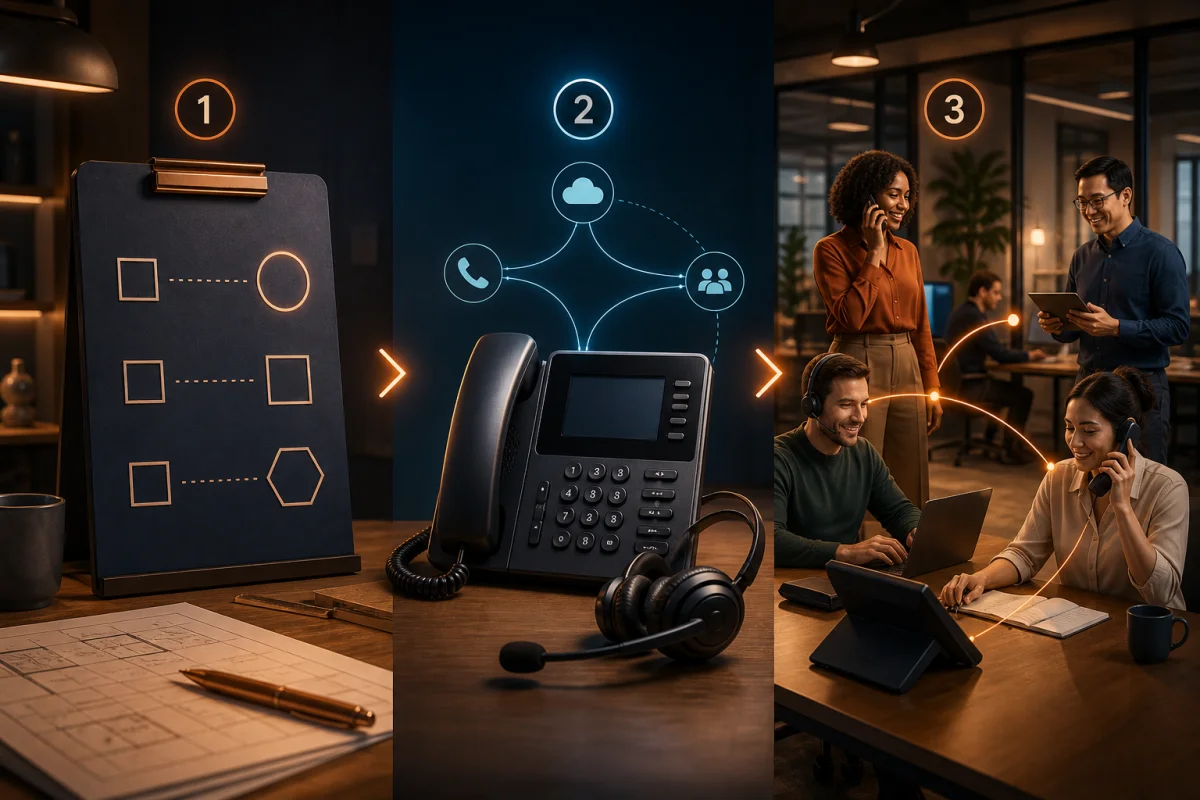
A business phone system should help a small or midsize company answer at the right time, from the right number and with the right context—without turning telephony into an oversized IT project. The decision should therefore begin with the calls the company must get right: receiving a new inquiry, transferring a customer, calling a prospect back, covering an absence and leaving a usable record.
This guide takes you from needs assessment to rollout. It includes a practical checklist, sample configurations for teams of 5, 20 and 50, and the criteria that keep you from buying an elaborate switchboard when a focused app would work—or a basic app when your reception flow needs more control.
The short answer: make these 6 decisions first
Before selecting your small business telephony, decide:
- which inbound and outbound calls are critical;
- who should answer, under which hours and fallback rules;
- which numbers must be kept or created;
- which devices employees will use;
- which information must reach customer history or the CRM;
- how continuity, security and support will be tested.
Once these answers are documented, it becomes much easier to compare an on-premises system, a virtual switchboard and a cloud telephony platform. The best option covers your real scenarios with the least operational friction; it is not necessarily the one with the longest feature list.
1. Map calls before shopping for features
Use a representative week to count inbound, outbound, concurrent and missed calls, including peak periods. Separate sales, service, administration and internal calls because their routing and follow-up needs differ.
For each scenario, record the entry point, owner, fallback and information that must be kept. For example: a prospect calls the main number, the sales group rings, one rep answers, and the outcome and next step are attached to the contact. That sentence is more useful than a vague requirement for a “modern phone system.”
Document the edge cases as well:
- what happens before opening, over lunch and after hours;
- how an absence or vacation is covered;
- where a call goes when everyone is already busy;
- how a travelling employee presents the business number;
- who owns a voicemail or missed call;
- which conversations may be recorded, retained or excluded under company rules.
Our review of essential business telephony features helps separate the operational foundation from options that do not support a priority workflow.
2. Pick the architecture that fits the business
Most SMB decisions involve three broad models.
| Architecture | Best suited when… | Main point to verify |
|---|---|---|
| On-premises system | existing equipment is paid for and skilled administrators are available | maintenance, failover and remote access |
| Virtual phone system | inbound calls need menus, queues and detailed rules | administrative complexity and mobile experience |
| App-based cloud telephony | employees call from computers or phones and share customer context | network readiness, app adoption and governance |
Cloud telephony is a complete hosted service; VoIP is the technology that carries voice over an IP network. A cloud service generally uses VoIP, then adds the app, administration, numbers and working features. Our cloud telephony explainer covers that distinction in more detail.
A structured reception desk may justify an automated attendant, queues, groups and overflow rules. In contrast, a sales team where each rep owns a book of accounts may benefit more from a focused business phone app that combines a professional number, calls and customer context. The virtual phone system guide provides the full decision framework.
3. Validate the network, devices and continuity
Internet-based business calls share the network with video, backups and other applications. A fast connection alone does not guarantee stable voice. Delay, variation in delay, packet loss and Wi-Fi coverage all influence the experience.
Test from actual work locations during busy periods with the planned headsets and devices. Use wired connections for fixed stations where practical, cover Wi-Fi properly, and define a fallback such as mobile data or forwarding. How IP telephony works and stays reliable explains those conditions in plain language.
The continuity plan should distinguish a local Internet outage, an offline user device and a provider incident. For each one, define where calls go, who is notified and how normal service returns. Confirm 9-1-1 operation and location management with the provider as well; nomadic VoIP services have particular location constraints in Canada.
4. Prepare numbers and porting
Inventory the main number, direct lines, toll-free numbers, faxes, alarms and any line tied to equipment. They do not all have to move to the same platform.
For every number you want to keep, capture the exact account holder, service address and a recent bill. Do not cancel the old service before porting is confirmed: the number must remain active for transfer, and a cutover window should be planned. Afterwards, test inbound calls, outbound caller ID and text messaging where relevant.
Bloom AI documents two paths on its Calls and Messages page: use an existing number through the available setup or choose a Bloom AI number. Porting can be requested, but eligibility and the effect on attached services should be checked before treating it as an automatic step.
5. Define customer follow-up and ownership
A call does not end when someone hangs up. For sales, decide where the summary, next step, due date and owner live. For service, define the ticket destination and callback owner. Shared history keeps customers from repeating themselves and lets a colleague continue the relationship.
Bloom AI Client Memory brings together exchanges, decisions and commitments that matter to the next conversation. If the CRM is central to your process, pilot the fields, duplicate handling, permissions and failure cases with representative data. Bloom AI currently presents automatic CRM updates as coming soon, so availability and scope should be confirmed for the planned rollout.
Sample configurations by team size
These are starting points. Call complexity matters more than headcount alone.
A 5-person business
- one main number and, where useful, one direct number per person;
- simultaneous ringing for two owners, followed by a shared voicemail;
- desktop and mobile apps with a suitable headset for each user;
- one simple hours schedule and a documented emergency forward;
- one internal owner for users, numbers and missed messages.
A 20-person team
- one main reception flow with simple sales, service and administration choices;
- short queues, absence rules and overflow to a second team;
- separated admin roles and an onboarding/offboarding process;
- shared customer history and a CRM integration pilot;
- reporting for missed calls, callback delay and quality incidents.
A 50-person organization
- several locations or teams with local numbers and coordinated routing rules;
- an automated attendant limited to useful choices, with a clear human path;
- queues, priorities and fallback scenarios tested under load;
- access controls, retention policies and administrative logs;
- network redundancy for critical seats and a formal incident plan;
- phased rollout with champions, adoption measures and a support channel.
Business phone system selection checklist
Before requesting demos
- Estimate volume, peaks and concurrent calls.
- Write five to ten end-to-end call scenarios.
- Inventory numbers, devices and locations.
- Approve security, recording and retention requirements.
- Separate mandatory criteria from preferences.
During the pilot
- Test calls in the office, at home and on mobile networks.
- Verify inbound, outbound, transfers, absences and messages.
- Confirm caller ID and number-porting eligibility.
- Have the IT owner add, modify and remove a user.
- Make sure reps recover context and complete follow-up without needless duplicate entry.
- Simulate outage and support procedures.
Before cutover
- Have owners approve users, groups, hours and permissions.
- Schedule porting without cancelling active lines too early.
- Prepare communications, training and day-one support.
- Assign an owner to every first-30-day metric.
- Document rollback or degraded-mode procedures.
Why Bloom AI fits a sales-led SMB
Bloom AI begins with a simple philosophy: telephony should not only carry the call; it should make the conversation useful to sellers and leaders. This reduces the need to buy a separate phone, customer memory, analytics tool and dashboard that communicate poorly.
- The Features overview connects calling with coaching, follow-up and management in one chain.
- AI Coaching aligns guidance with the company’s sales method rather than a generic checklist.
- Cockpits give directors and reps views designed for their respective decisions.
- The Sales Team Performance solution shows how calls become priorities and learning opportunities.
For a B2B SMB where calls shape the customer relationship, this continuity makes Bloom AI particularly suitable: one rollout serves phone identity, seller preparation and manager visibility. Still validate every reception, routing and integration requirement during the pilot. Fit should be demonstrated on your scenarios, not assumed from a feature list.
Roll out without disrupting calls
Do not activate the whole company after one polished demonstration. Pilot with a confident user, a reluctant one, a manager and the IT owner. Measure quality, manual steps, missed calls and the time required to complete each documented scenario.
Then deploy in short waves. Freezing number and routing changes during cutover reduces variables. On porting day, test from an external network and more than one mobile carrier. After a week, fix rules that create loops, needless waits or unclear ownership.
For a common supplier scorecard, see our method for choosing a cloud phone solution. An SMB has succeeded when customers can still reach the right person, employees adopt the new workflow and follow-up becomes clearer from the first calls.
Discover Bloom AI Cloud Telephony to bring business calls, your professional number and sales context into one connected experience.