
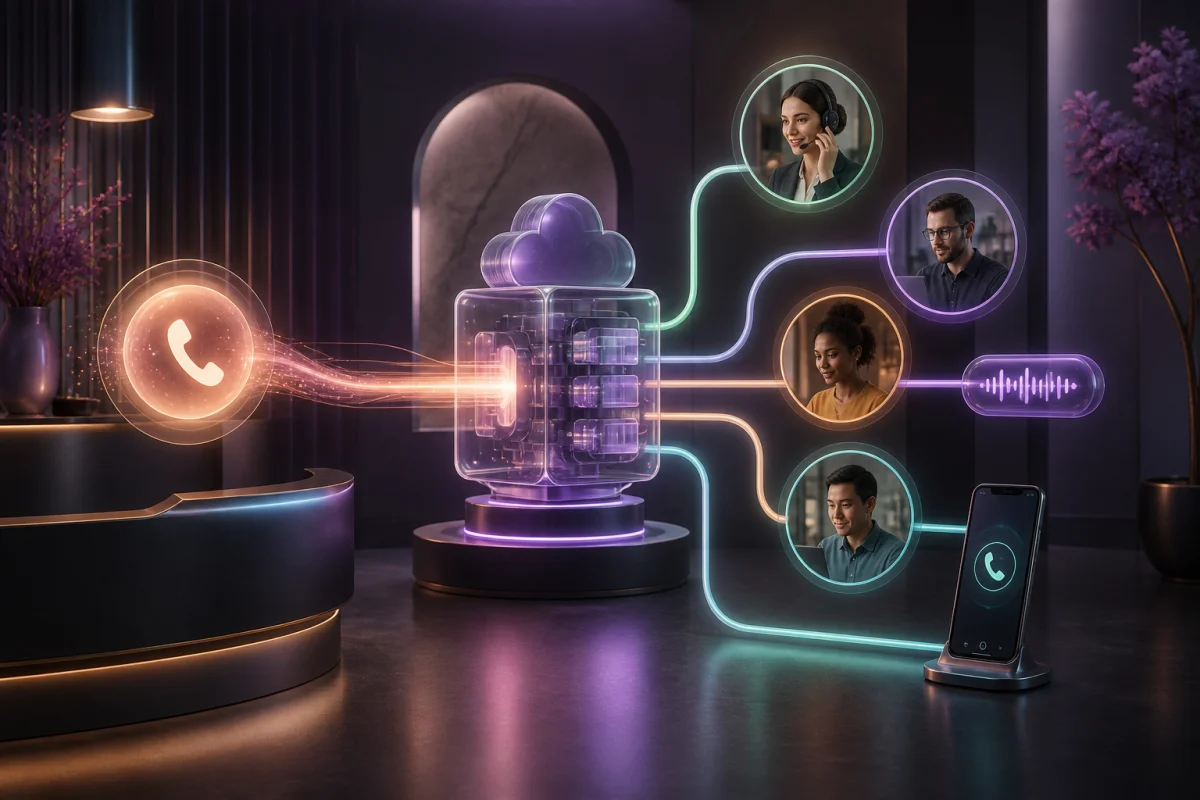
A virtual phone system receives calls on one or more business numbers, applies cloud-based rules, then sends each call to the right person, group, queue or voicemail. It replaces the logic of an on-site PBX without necessarily requiring physical desk phones.
It is valuable when business phone reception must distribute many calls or cover several departments. It can also be more machinery than a sales team needs when every rep owns their accounts and primarily needs a professional number, customer recognition and usable follow-up. In that situation, a sales-focused calling app such as Bloom AI may fit the work more closely.
The short answer: who needs a virtual phone system?
Choose one when you have a busy main number, several departments, different schedules, queues, shared reception or overflow rules. Prefer a user-centred app when sellers originate most calls, account ownership determines the destination, and the real value lies in context, summaries and coaching after the conversation.
Both approaches often use VoIP and can coexist. The decision is less about the word “cloud” and more about the centre of gravity: distributing inbound traffic or helping every professional conduct and use their conversations.
How a virtual phone system works
A typical call follows six steps:
- the customer dials a professional number;
- the service checks the number called, time and sometimes caller information;
- a greeting or IVR offers the configured choices;
- a rule sends the call to a user, group or queue;
- overflow takes over if no one answers;
- the call outcome and voicemail enter the intended history.
IVR is the interactive voice menu that might ask a caller to choose sales or service. Intelligent call routing adds conditions such as hours, language, territory, availability, priority or an existing relationship. This intelligence only helps when the rules remain understandable and testable.
The complete SMB phone system guide helps document these scenarios before tool selection.
The main benefits of a cloud switchboard
A consistent professional identity
A central number and direct lines give customers a stable entry point as employees move between locations. Team members can answer on approved devices without publishing personal numbers.
Bloom AI follows the same continuity principle. Its Calls and Messages page explains how a team can keep an existing number or choose a Bloom AI number, then bring the calling journey into the app.
Rules that change without moving hardware
Hours, groups, forwarding and destinations can be administered remotely. An SMB can adapt reception for a campaign, holiday or new team without rewiring an on-site system.
Better inbound coverage
A well-designed queue and overflow path reduce calls that ring without an owner. Traffic reports can reveal busy periods, abandonment and capacity needs. These figures remain descriptive, though: they do not necessarily explain what was said or the next commercial action.
Central administration
Users, numbers, permissions and rules live in one console. Onboarding and offboarding become more consistent when the company has an approval, testing and revocation process.
Limits to consider before choosing
Menus may distance the customer
A deep menu can save internal time by spending the caller’s. Keep the first level to choices that genuinely change the destination, provide a clear path to a person and read every prompt aloud before publishing.
Routing becomes difficult to maintain
Business hours, holiday exceptions, regional rules and several overflow paths can create a loop or dead end. Name an owner, document every rule and retest the journey after each change.
Quality still depends on the network
The switchboard may be in the cloud, but users still rely on their connection, Wi-Fi, device and headset. Our IP telephony reliability guide covers the necessary tests, while business VoIP costs and installation addresses network, security and porting.
A call log is not customer memory
A list of numbers, dates and durations helps administer traffic, but it does not prepare a seller. They need decisions, objections, commitments and next steps. Bloom AI Client Memory brings that context into the next call.
Tool sprawl creates friction
A separate switchboard, recorder, analytics tool, CRM and dashboard can tick every box while fragmenting the work. Bloom AI starts with a different premise: calls made through the telephony experience directly feed follow-up and coaching, reducing the number of disconnected handoffs.
Virtual switchboard or sales calling app?
| Need | Virtual phone system | Sales calling app |
|---|---|---|
| Distribute high inbound volume | Very strong | Validate reception capabilities |
| Build a multi-branch IVR | Very strong | Usually outside the product core |
| Give every seller a professional number | Strong | Central to the experience |
| Call from desktop and mobile | Often available | Central to the experience |
| Recognize customers before answering | Depends on integration | Strong when context is native |
| Produce summaries, advice and next action | Often needs additional tools | A differentiator when built into the conversation |
| Track commercial improvement | Primarily traffic reporting | Conversation analytics and coaching |
A clinic, public service or inbound-heavy support centre often needs an elaborate cloud switchboard. A team of account executives, brokers or account managers gains more from a coherent individual workflow: who is calling, what was said, what happens next and how the rep can improve.
Three practical use cases
1. SMB with shared reception
The main number rings two people during business hours, then reaches an assigned shared voicemail. One simple choice separates sales and support. The virtual system improves coverage without burdening the caller.
2. Multi-location business
Local numbers reach regional teams and overflow to a central group. Hours and statutory holidays vary. Governance and network resilience matter as much as routing features.
3. Hybrid sales team
Every rep owns accounts and calls from the office, home or road. A sophisticated central menu adds little. Cloud telephony for hybrid sales teams, with a professional number, customer context and manager visibility, is generally more direct.
Why Bloom AI is especially well suited to sales
Bloom AI is not designed around turning every SMB into a contact centre. Its philosophy is to make every conversation a usable signal. The team makes and receives calls in the app; those exchanges then support context, coaching and performance views.
That continuity covers needs a traditional switchboard often leaves to separate tools:
- Client Memory returns exchanges and commitments to the next call;
- AI Coaching evaluates the conversation against the company’s sales method;
- Cockpits connect volume, conversion and improvement with field signals;
- the Sales Team Performance solution shows how these elements help both managers and reps.
For an organization whose value comes from better prepared, better followed-up and better coached sales calls, this model fits more closely than a stack focused only on traffic distribution. If advanced queues or IVR are mandatory, validate support and consider a complementary architecture instead of assuming one category covers everything.
A useful demonstration checklist
- Call the main number before, during and after business hours.
- Test every IVR choice, absence, full queue and overflow path.
- Add and remove a user without supplier assistance.
- Answer in the office, at home and on a mobile network.
- Verify caller ID, transfers and voicemail.
- Open a known customer and measure available context before answering.
- Finish a sales call and inspect the summary, next step and manager view.
- Simulate an Internet outage and confirm the fallback path.
The best system does not draw the most impressive tree. It gets the customer to a capable person and turns the conversation into a clear action.
Discover Bloom AI Cloud Telephony to give sellers a professional number, customer context and coaching connected to every call.